

The ledger
The Cases table on the Casebook page lists everything the casebook has learned. Search it, or filter by Ruling (Allowed / Rejected), Label, or Topic — including No topic. Each row shows the content, the ruling, the labels, who decided it, and Times applied — how many items that one decision has settled. Open a case to see the full content and jump to the item it was decided on.Importing cases
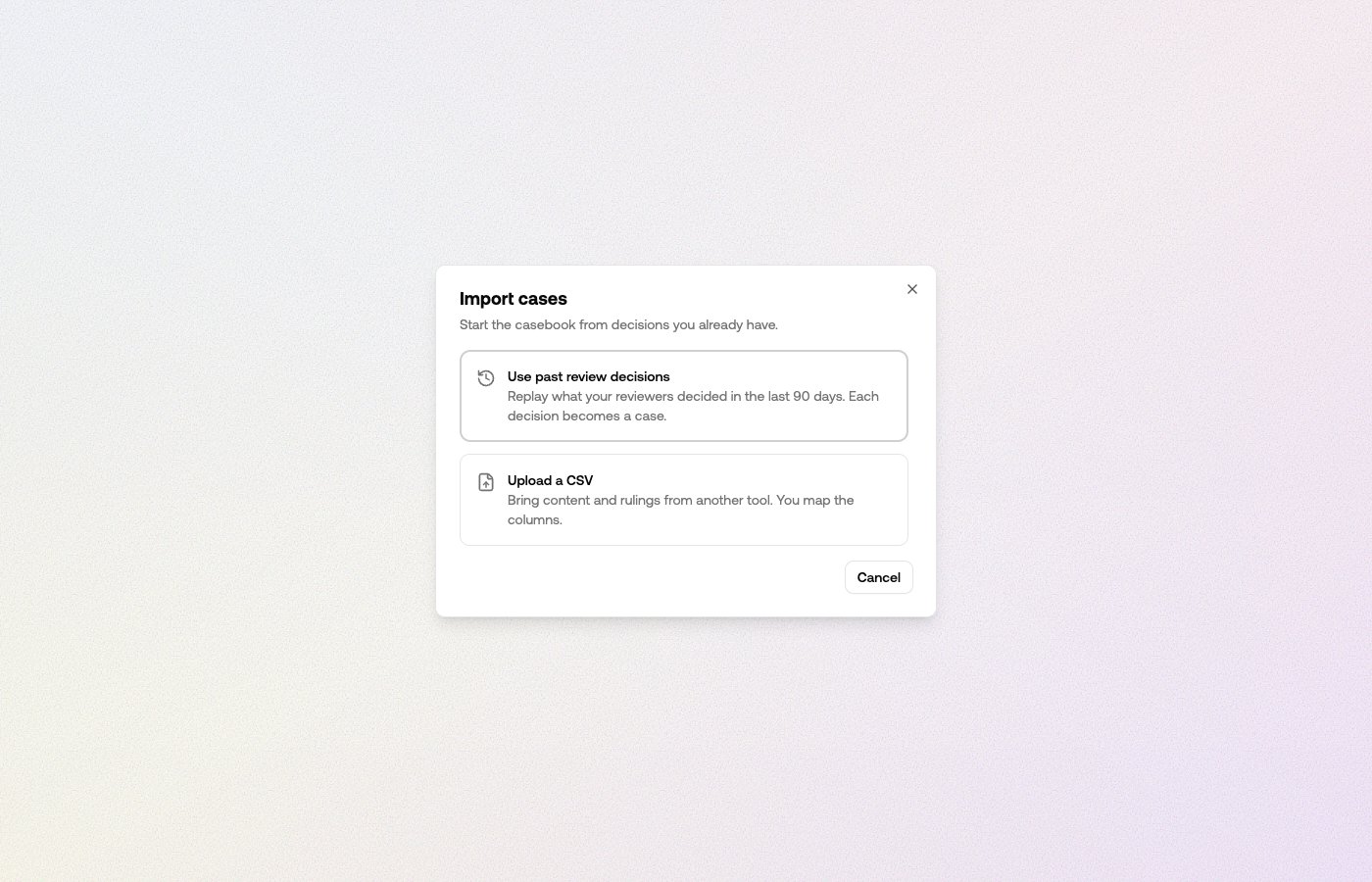
- Use past review decisions. Replays the last 90 days of your review-queue decisions — each human allow or reject becomes a case. Decisions the casebook already holds are skipped.
- Upload a CSV. Bring content and rulings from another tool. You pick the content column, and map your own ruling values to allow or reject — nothing is guessed for you. If the file has no ruling column, you can apply one ruling to every row.
Disagreements
Two cases that rule opposite ways on similar content block the casebook from ruling on content like them — it applies neither until someone picks which ruling stands. The Disagreements card counts them, and Resolve steps you through each group: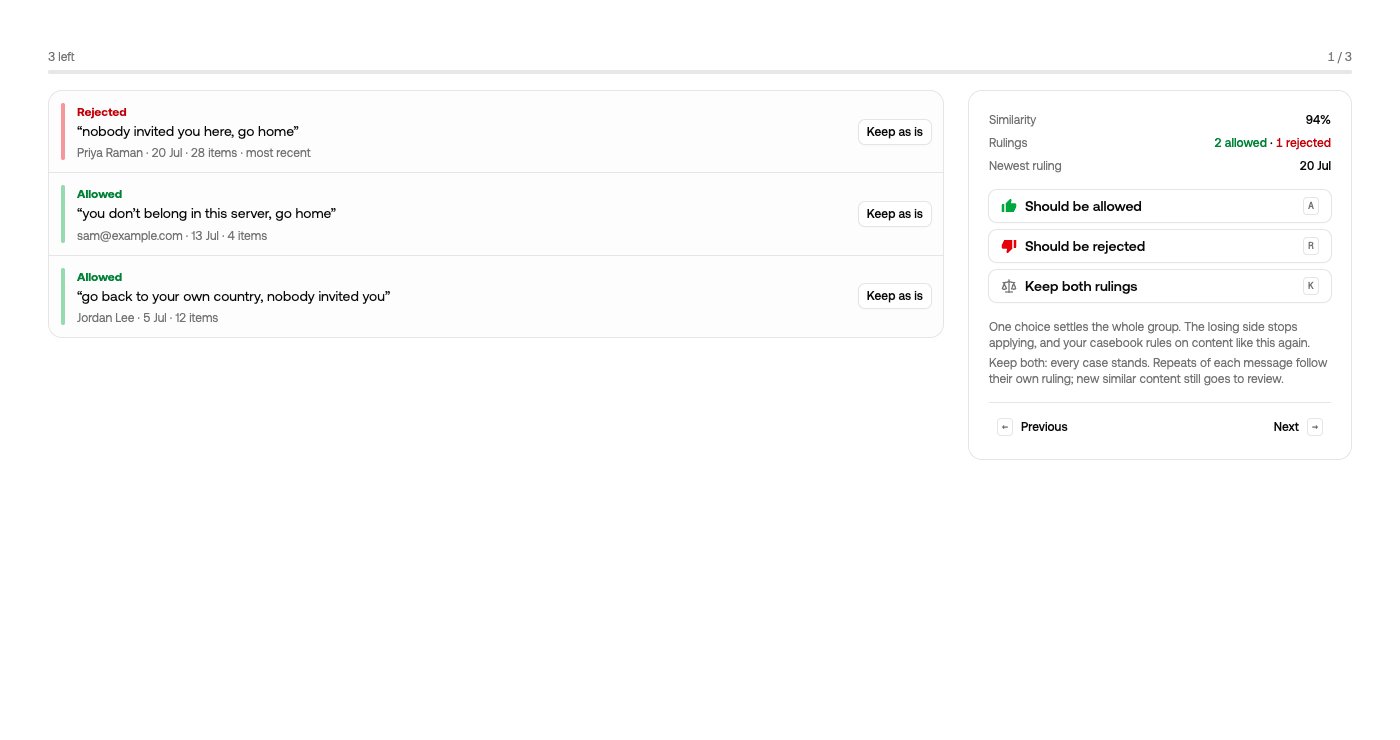
- Should be allowed / Should be rejected — one choice settles the whole group. The losing side stops applying, and the casebook rules on content like this again.
- Keep both rulings — every case stands. Repeats of each message follow their own ruling, and new similar content still goes to review.
- Keep as is — hold an individual case out of the group decision.
Forgetting a decision
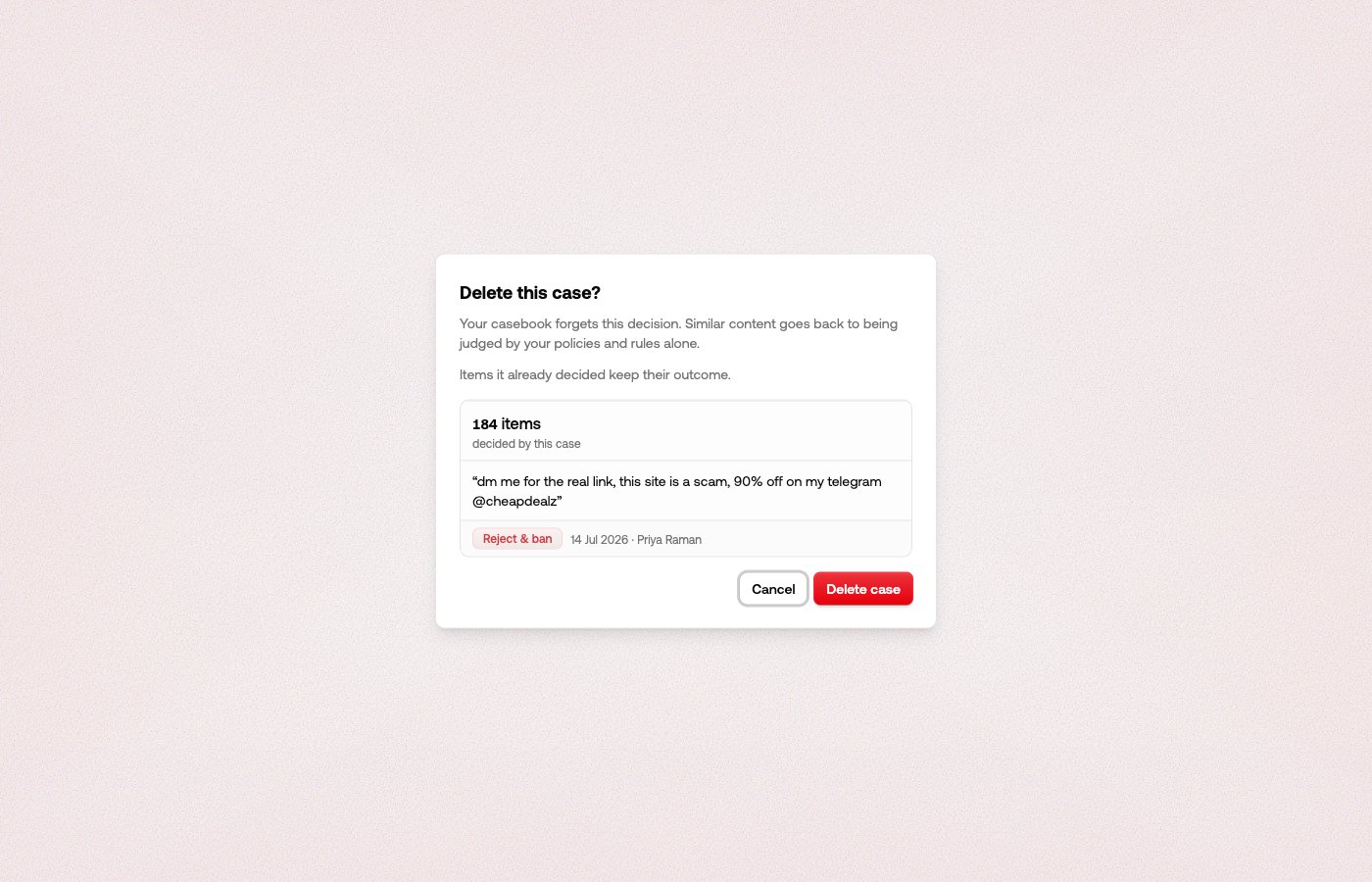
Auditing what it settles

- Casebook — what it said: Casebook allowed, Casebook rejected, or No casebook match.
- Casebook vs severity — where it stood against severity triage: Casebook overruled when they disagreed, Casebook agreed when they said the same.