

Prerequisites
You'll need an API key to use the Moderation API. To get one, you'll need to create a project.1. Install the CLI
You can also download a binary for your platform from the releases page.
2. Set your API key
Grab the API key from your project and set it in theMODAPI_SECRET_KEY environment variable:
3. Submit content
Usemodapi content submit to moderate text, images, video, audio, or objects with several fields. Only --content is required.
4. Use the result
Use--jq to read one field of the result. For example, get the recommended action (allow, review or reject). Add --raw-output to print the value as plain text:
--output-format json.
5. Preview a request
Add--dry-run to any command to see the request it would send. The CLI does not send the request, so it does not use your quota:
6. Explore other commands
The CLI has a command for each API endpoint. Some examples:0: 1 for API errors, 2 for usage errors and 3 for authentication errors.
Organization key
Commands for projects and channels (modapi projects and modapi channels) use the management API and need an organization key. To run them while MODAPI_SECRET_KEY holds your project key, pass the organization key with --secret-key:
--project-id.
Dry-run mode: If you want to analyze production data but don't want to block content, enable "dry-run" in your project settings.
With dry-run enabled, the API still analyzes content but it always returns flagged: false - yet content still shows in the review queue. This way you can implement your moderation workflows and start testing your project configuration without actually blocking content.
3. Review flagged content (optional)
If the AI flags the content, it will appear in the Review inbox. Head to the review queue to validate that the content is submitted correctly.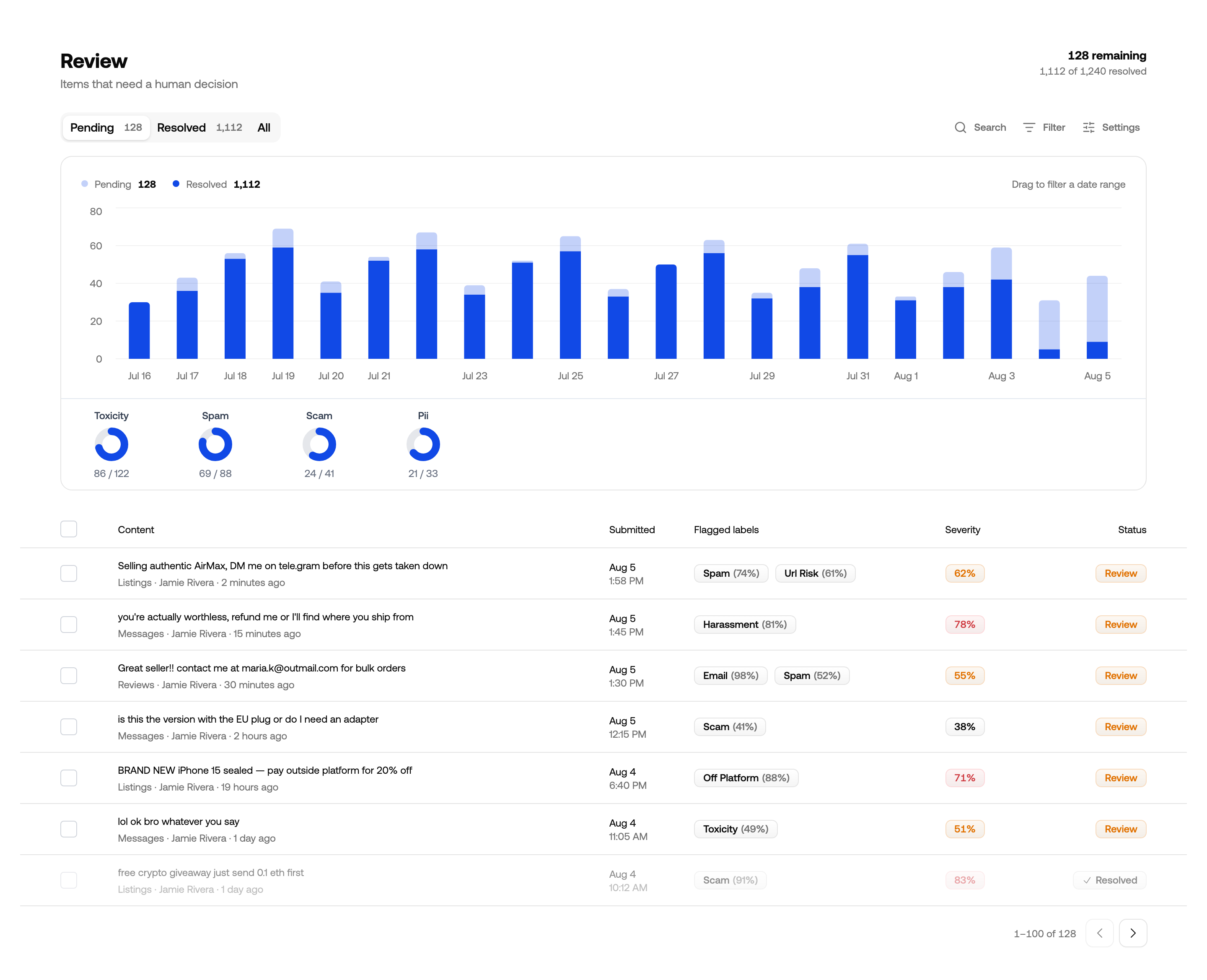
Review queue for reviewing and improving automated moderation
All Done!
Congratulations! You've run your first moderation checks. Here are a few next steps:- Continue tweaking your project settings and models to find the best moderation outcomes.
- Add custom Guidelines to a channel for rules specific to your platform.
- Explore advanced features like context-aware moderation.
- If you have questions, reach out to our support team.